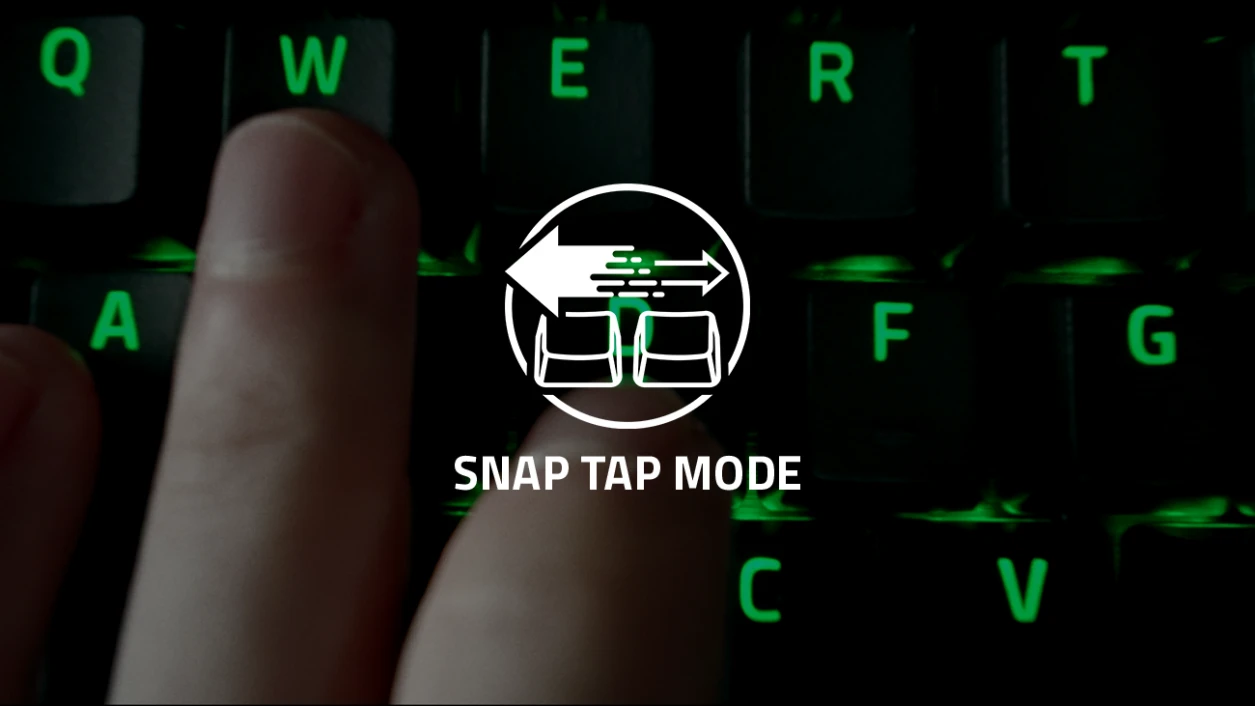
Many gamers have recently seen videos about Razer Snap Tap and Wooting SOCD, features that improve movement by prioritising the last pressed key. These features are handy in games like Valorant, CS2, and Overwatch, where fast strafing and jiggle peeking matter.
The good news?
You don’t need to buy an expensive keyboard to get similar Snap Tap / SOCD behaviour.
You can use a free, open-source tool called Hitboxer to enable SOCD on almost any keyboard.
Table of Contents
What Is Snap Tap / SOCD?
SOCD stands for Simultaneous Opposite Cardinal Directions.
This controls what happens when you press opposite movement keys at the same time, such as:
- A + D (Left + Right)
- W + S (Forward + Backward)
Normal Keyboard Behaviour:
❌ Both keys cancel out
❌ Your character stops
❌ Movement gets “jammed”
With Snap Tap / SOCD:
✅ The last pressed key wins
✅ No input jamming
✅ Smoother strafing and jiggle peeks
This is why pro players and competitive gamers care about this feature.
What Is Hitboxer?
Hitboxer is a free, open-source key remapping and SOCD tool created by developer Valentin Ignatev.
It allows you to:
- Enable SOCD (last input priority)
- Create profiles per game
- Apply SOCD only to specific keys (like A + D)
- Avoid movement jamming
- Get Snap Tap–like behavior on any keyboard
According to the official GitHub, Hitboxer supports multiple SOCD modes and is actively updated.
How to Set Up Snap Tap / SOCD Using Hitboxer
Step-by-Step Setup:
- Download Hitboxer v0.13 from above
- Extract the ZIP file
- Run hitboxer.exe
- Create a profile for your game (E.g., Valorant, CS: GO, etc.).
- Add mappings for:
- A + D (Left + Right)
- (Optional) W + S (Forward + Backward)
- Set mapping type to OPPOSITE (Last Wins)
- Minimise Hitboxer to the tray
- Launch your game
Now your keyboard will behave like it has Snap Tap / SOCD.
Windows Security Warning — Is It Safe?
Windows Defender or SmartScreen may show a warning when opening Hitboxer.
This happens because:
- The app is not digitally signed
- It uses low-level keyboard hooks (like many remappers)
According to the developer:
- The project is open source
- You can inspect all the code on GitHub
- It does not include malware
- Antivirus may flag it due to how it handles input
Always download from the official GitHub to stay safe.
Can You Get Banned for Using SOCD Software?
Important:
Hitboxer does NOT:
- Inject into game files
- Modify game memory
- Provide aim assist or cheats
However:
⚠️ Some games or tournaments may restrict input tools
⚠️ Anti-cheat systems and rules can change
⚠️ Always use at your own risk
Some players have reported kicks or restrictions in certain competitive environments. Always check your game’s policies before using any input software.
Hardware Snap Tap vs Software SOCD
Hardware (Razer, Wooting):
✔ Built into keyboard
✔ Tournament-friendly in some leagues
❌ Expensive
Software (Hitboxer):
✔ Free
✔ Works on any keyboard
✔ Flexible profiles
❌ May be restricted in some games
For most casual and ranked players, software SOCD is a great alternative.
Conclusion
If you want Snap Tap / SOCD without buying a premium keyboard, Hitboxer v0.13 is one of the best free options available.
It can help you:
- Stop movement jamming
- Improve jiggle peeks
- Get smoother strafing
- Upgrade your movement for free