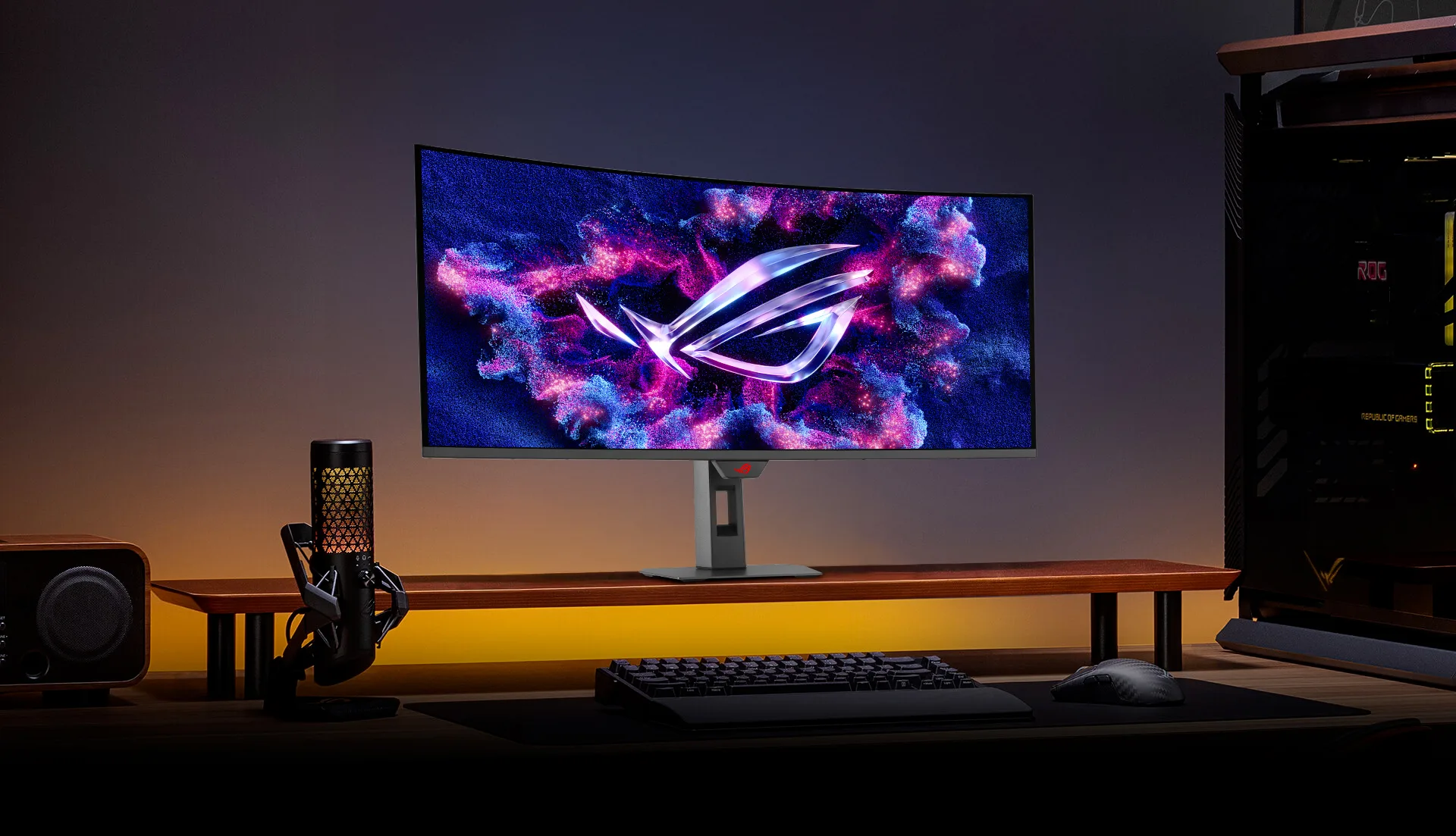
The ASUS ROG Strix XG34WCDG is a 34-inch ultrawide QD-OLED gaming monitor built for immersive gameplay, deep blacks, and vibrant colours. With its 3440×1440 resolution, high refresh rate, and quantum dot OLED panel, this monitor excels in both competitive gaming and cinematic content.
Optimising the SDR (Standard Dynamic Range) and HDR (High Dynamic Range) settings is essential to achieve the best balance of brightness, colour accuracy, and long-term panel care.
This guide walks you through the best settings for PC gaming, consoles, and everyday desktop use.
Table of Contents
Adjust System Settings
Before making picture adjustments, unlock all available options:
Open the System Setup menu
Set Power Mode → Performance Mode
This step ensures brightness, colour temperature, and OLED care features are fully adjustable. If certain options are greyed out, switching to Performance Mode will restore full control.
Configure OLED Care Options
OLED protection settings are important for long-term panel health, especially on an ultrawide display frequently used for desktop tasks.
Auto Dimming Control:
It can slightly darken screen edges or reduce brightness over time. Disable it if you notice uneven brightness or vignetting during gameplay.Auto Logo Brightness:
Helps prevent image retention from HUDs or taskbars. Keep this enabled for desktop use; disable only if aggressive dimming becomes noticeable during gaming.Screen Move / Pixel Shift:
Slightly shifts the image to reduce burn-in risk. Set it to low intensity or disable while gaming, and enable it for long desktop sessions.
Best SDR Settings (Standard Dynamic Range)
Picture Mode
Switch Game Visual → User Mode
This provides the most neutral base and allows for full adjustment.
Uniform Brightness
Enabled
Ensures consistent brightness across the wide panel, especially helpful for productivity and web browsing.
Brightness
Choose based on ambient lighting:
38–40 → ~120 nits (dark rooms)
50 → ~150 nits (normal lighting)
70 → ~200 nits (bright rooms)
Contrast
Set to 80
Maintains proper highlight detail without crushing blacks.
Colour Temperature (User Mode)
Set RGB values for accurate white balance:
Red: 100
Green: 99
Blue: 97
This configuration delivers natural whites without oversaturation.
Gamma
2.2
Provides balanced midtones and accurate shadow detail.
Vivid Pixel / Sharpness
Keep at 50
Higher values introduce sharpening artefacts, which are more noticeable on OLED.
Blue Light Filter
Off
Prevents unwanted colour shift and preserves accuracy.
VRR & Anti-Flicker
VRR: On (recommended for tear-free ultrawide gaming)
Anti-Flicker: Leave at default unless flickering is observed
Colour Space & Calibration
Wide Gamut / Native:
Best for gaming and HDR-style visuals with vibrant colours.sRGB Mode:
Recommended for colour-critical work or users who prefer restrained, accurate SDR colours.
Advanced users may apply an ICC profile for further fine-tuning.
Best HDR Settings (High Dynamic Range)
Enable HDR in your operating system or console before adjusting monitor settings.
HDR Mode
Select Gaming HDR
Offers a strong balance between brightness, colour accuracy, and highlight detail.
Brightness
Set to 100
Allows the panel to reach its intended peak brightness for HDR highlights.
Contrast
Keep at 80 or default
Ensures correct tone mapping without clipping.
Colour Temperature
Use the same User Mode RGB values (100 / 99 / 97)
Maintains consistency between SDR and HDR modes.
Additional HDR Tips
Set GPU output to 10-bit colour
Use the Full RGB range
Calibrate HDR brightness in supported games
If HDR appears washed out, check OS-level HDR sliders and tone-mapping settings
Conclusion
With the correct SDR and HDR calibration, the ASUS ROG Strix XG34WCDG delivers excellent ultrawide immersion, deep OLED blacks, and vibrant QD-OLED colours. These settings provide a strong balance between visual quality, gaming performance, and OLED longevity. Use SDR mode for daily desktop work and competitive gaming, and switch to Gaming HDR for cinematic experiences and story-driven titles.