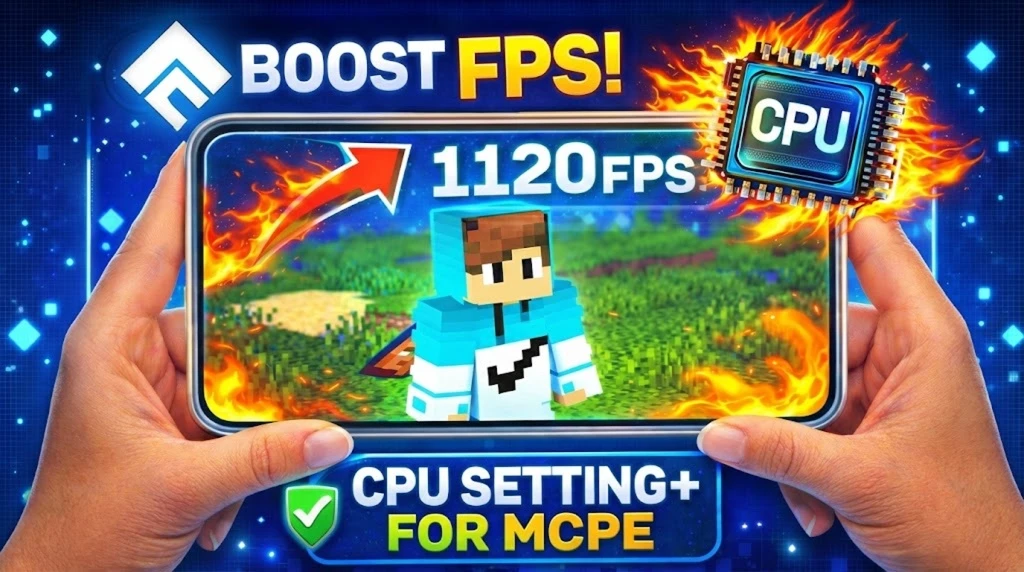
Minecraft Pocket Edition (MCPE) 1.21+ can be demanding on mobile devices, especially when exploring large worlds or playing multiplayer.
If you’re facing lag, frame drops, overheating, or high CPU usage, the CPU [Setting+] Resource Pack is the perfect solution.
This resource pack is specially designed to optimise CPU performance, reduce unnecessary processing, and deliver smoother gameplay on low-end and mid-range devices.
Table of Contents
What is the CPU [Setting+] Resource Pack for MCPE?
The CPU [Setting+] Resource Pack is a performance-focused MCPE resource pack that tweaks internal visual and rendering settings to reduce CPU load without breaking gameplay mechanics.
It works seamlessly with Minecraft PE 1.21 and above, making it ideal for players who want better performance without using mods or external tools.
Key Features of CPU [Setting+] Resource Pack
✅ Optimises CPU usage for smoother gameplay
✅ Improves FPS stability on low-end devices
✅ Reduces lag, stuttering, and overheating
✅ Compatible with MCPE 1.21+
✅ Works in Survival, Creative, and Multiplayer
✅ No root, no mod loader required
✅ Safe and easy to install
Why Use This Resource Pack?
Many MCPE players experience performance issues due to:
- High render distance
- Background calculations
- Complex visual effects
- Limited mobile CPU power
This resource pack helps by:
- Reducing CPU-intensive processes
- Optimising internal settings
- Maintaining gameplay balance
- Improving battery efficiency
Result? 🚀 Smoother gameplay, better FPS, and less device stress.
Supported Devices
✔ Android phones & tablets
✔ iOS devices (iPhone & iPad)
✔ Low-end, mid-range, and older devices
✔ MCPE / Bedrock Edition 1.21+
Download CPU [Setting+] Resource Pack for MCPE 1.21+
(Make sure the file format is .mcpack or compatible with Minecraft Bedrock Edition.)
How to Install CPU [Setting+] Resource Pack
- Download the resource pack from the link above
- Open the downloaded
.mcpackfile - Minecraft will automatically import it
- Go to Settings → Global Resources
- Activate CPU [Setting+] Resource Pack
- Restart Minecraft
- Enjoy optimised performance ✅
Best Settings for Maximum Performance
For best results:
- Set render distance to low or medium
- Disable fancy graphics
- Close background apps
- Use this pack as a Global Resource
Conclusion
If you want to boost FPS, reduce lag, and optimise CPU usage in Minecraft PE 1.21+, the CPU [Setting+] Resource Pack is a must-have. It’s lightweight, easy to use, and delivers noticeable performance improvements — especially on weaker devices.
Perfect for survival players, builders, and multiplayer gamers!